Official App

Download the 7kgames App for Android and iOS – Play and Bet from Anywhere

With the 7kgames app on your phone, you have access to games, sports betting, Pix withdrawals and much more — without opening your browser every time. Fast, lightweight and built for people on the go.

7kgames
Android Version 5.0+
iOS iPhone and iPad
Pix Withdrawal via App
24h Always Available
Available Platforms

Available for Android and iOS

Whether you're on Android or iPhone, the 7kgames app was built to perform great on both systems — with the same experience and the same features.

Android

Compatible with Android smartphones and tablets running version 5.0 (Lollipop) or later. Simple installation via APK file directly on your device.

  • Android 5.0 or higher
  • APK Installation (outside the Play Store)
  • Allows installing apps from unknown sources
  • File size: approximately 35 MB
APK Available

IOS (iPhone & iPad)

Compatible with iPhone from iOS 13 and all iPad models. Interface optimized for Retina displays with support for Face ID and Touch ID.

  • iOS 13 or later
  • Compatible with iPhone and iPad
  • Face ID and Touch ID Support
  • File size: approximately 42 MB
App Store
7kgames
Installation

How to Install the 7kgames App

Installing the app is very straightforward. On Android, the process takes less than two minutes. On iOS, just follow the standard App Store flow. See the step-by-step instructions for each platform:

Android – Step by Step
1
Go to your phone settings

Go to Settings → Security → Unknown Sources and enable the permission to install apps from outside the Play Store.

2
Visit the site through your browser

Go to 7kgames.vu in your phone browser. Find the APK download button on the app page.

3
Download and install the APK

Once the download is complete, tap the file and confirm the installation. The 7kgames icon will appear on your home screen.

4
Log in or create your account

Open the app, log in with your credentials or register directly through the app in just a few seconds.

iOS – Step by Step
1
Open the App Store

On iPhone or iPad, open the App Store and use the search bar to find the 7kgames app.

2
Tap "Get"

Select the official 7kgames app and tap "Get". Confirm with Face ID, Touch ID, or your Apple password.

3
Wait for the download

The app will be downloaded and installed automatically. With a stable Wi-Fi or 4G connection, it takes less than a minute.

4
Open and enjoy

Tap the 7kgames icon on your home screen and log in or create your account. Ready to play.

On Android, it is normal for the system to display a security warning when installing the APK — this happens with any app installed outside the Play Store. The 7kgames file is safe and contains no malware. You can revert the "unknown sources" permission after installation if you prefer.

App Features

What You Can Do on the 7kgames App

The app brings everything the platform has to offer in an interface designed for mobile. No cropped screens or impossible-to-tap buttons.

Sports Betting

Bet on football, basketball, tennis, MMA and dozens of other sports in real time, with live-updated odds directly in the app.

Game Lobby

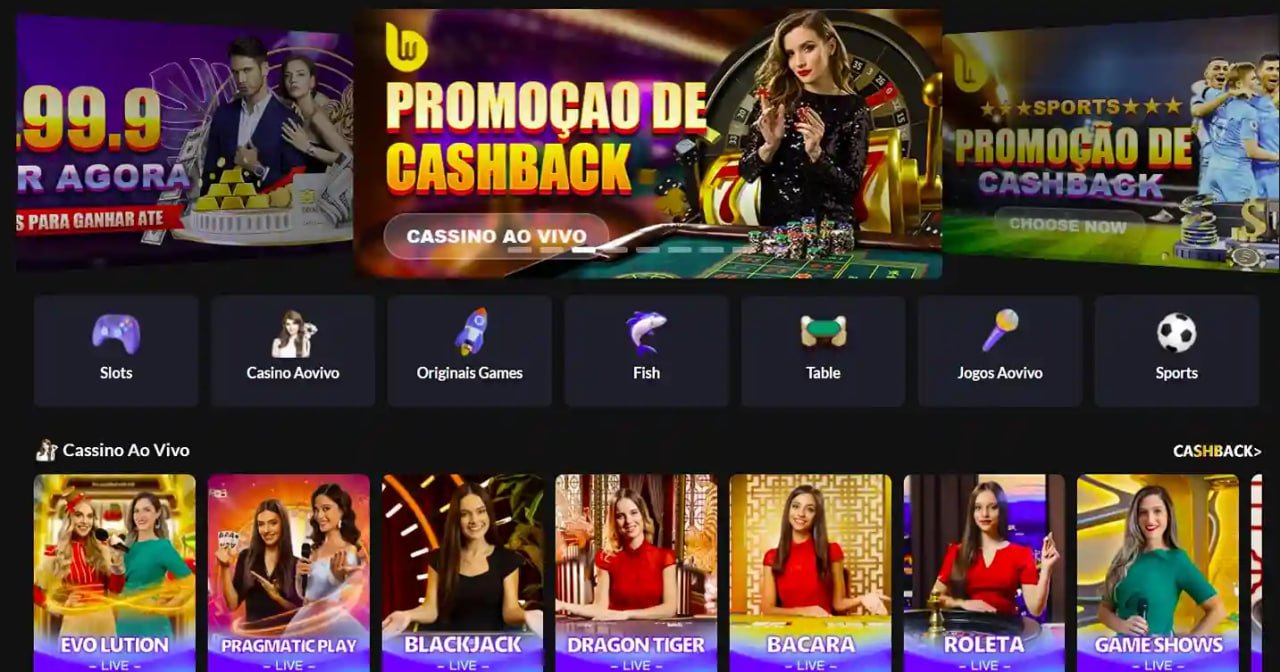
Access slots, roulette, baccarat and live games with real dealers. The full lobby catalog is available in the app with no restrictions.

Pix Withdrawal

Request withdrawals directly through the app using your Pix key. In just a few minutes the money lands in your bank account, no hassle.

Push Notifications

Receive real-time alerts for exclusive promotions, withdrawal confirmations, bet results, and platform news.

Full History

View all your wins, previous bets, deposits and withdrawals directly in the app dashboard, with filters by date and type.

Secure Login

Biometric support (Face ID, fingerprint) to log into your account quickly and securely, without typing your password every time.

Works on 4G and 5G

The app has been optimized to perform very well on mobile connections, using less data without sacrificing game graphics quality.

In-App Support

Access the support chat in English directly through the app. The 7kgames team is available to help whenever you need.

Dark Mode

Dark-themed interface by default, ideal for playing at night without straining your eyes. The elegant green design keeps the experience feeling premium.

7kgames
Complete Guide

All about the 7kgames App

Why use the app instead of the website?

Anyone who has tried accessing a betting platform through a mobile browser knows the experience is not always ideal — menus that do not open properly, buttons hidden behind the keyboard, screens that take too long to load. The 7kgames app was developed specifically to eliminate these issues. The interface is built for touch, elements are sized correctly for fingers, and loading is faster because the app stores some resources locally.

The app also lets you receive push notifications — which means you don't need to keep opening the platform to check whether a withdrawal was approved or if there's a new promotion. Your phone lets you know automatically. It's a level of convenience that the browser simply can't deliver in the same way.

Is the 7kgames app safe?

Yes. Security is one of the core pillars of 7kgames, both on the website and in the app. All communication between the app and the platform's servers is encrypted with SSL, the same standard used by digital banks. This means your login credentials, payment information, and betting history travel securely, without exposure to third parties.

In addition to data encryption, the app supports biometric authentication — you can set up Face ID or fingerprint to log into your account without typing your password. This reduces the risk of unauthorized access, especially if your phone ends up in the wrong hands. And since withdrawals are always directed to the account registered under your CPF, no one can move your balance without your authorization.

Sports betting on mobile: the live experience

One of the great advantages of the 7kgames app is the live betting module. You can follow a football match's statistics in real time, watch the odds update every minute, and place your bets without missing a single play. The app has been optimized so that these updates happen smoothly, without freezing or draining your phone's battery excessively.

For fans following the Brasileirão, Libertadores, Premier League, or any other competition, having the app installed is the most convenient way to combine the pleasure of watching the game with the excitement of a well-placed sports bet. All on one screen, with no need to switch between apps.

Deposits and withdrawals: how does it work in the app?

The financial transaction process through the 7kgames app is virtually identical to the website — with the added convenience of mobile. To deposit, simply access the wallet in the app, choose your method (Pix is the fastest), generate the key or QR Code, and pay through your bank. The balance appears in your account within seconds.

To withdraw, the process is equally simple: go to the withdrawal in the app, enter the amount and your Pix key registered to your CPF, and confirm. Depending on the time of day and request volume, the money arrives in minutes. No waiting business days when you use Pix.

App updates: how to always stay on the latest version

On iOS, updates arrive automatically via the App Store — or you can check manually in the "Updates" tab. On Android, since installation is done via APK, you will receive a notification inside the app itself when a new version is available. Simply follow the provided link to download and install the latest version.

Keeping the app updated is important not only to enjoy new features, but also to ensure the latest security patches are applied. 7kgames releases updates frequently to improve performance, fix bugs, and add new games and features.

Responsible App Use

Having the 7kgames app always at hand on your phone is undeniably convenient — and that's exactly why it's important to use it mindfully. Gaming should be a form of entertainment, not an obligation or a source of income. 7kgames offers responsible gaming tools, such as deposit limits and self-exclusion, which can be accessed directly through the app in the account settings section.

If at any point you feel that gaming is taking up more space than it should in your daily routine, visit our Responsible Gaming to learn about the available tools and support resources. Playing well means playing responsibly.

App vs. mobile browser: an honest comparison

The 7kgames website is fully responsive and works well on any modern mobile browser. But if you use the platform frequently, the app delivers a noticeably better experience: faster loading, smoother interface, real-time notifications, and biometric login. For casual users who access it rarely, the browser works fine. For those who log in every day or follow live matches, the app makes a real difference in daily use.

Tip: If you have trouble installing the APK on Android, check whether the "Install apps from unknown sources" option is enabled in your phone's security settings. Each manufacturer may place this option in a different location — on Samsung devices, it is usually found under Settings → Apps → Menu → Special Access.


7kgames
Minimum Requirements
  • Android 5.0 or higher
  • iOS 13 or later
  • 50 MB free storage
  • 3G, 4G, 5G or Wi-Fi connection
  • Dual-core 1.2 GHz+ processor
  • 1 GB RAM (2 GB recommended)
Player Reviews
★★★★★

"The app is very practical. I place my football bets during the game itself, with no lag. Pix withdrawal landed in 3 minutes."

Rafael M. – São Paulo, SP
★★★★★

"I installed the APK on my Samsung without any issues. Beautiful interface and easy to use. I recommend it for anyone who enjoys slots."

Carla S. – Belo Horizonte, MG
★★★★☆

"Great app. Biometric login is a real time-saver. I just think it could use more filters in the betting history."

Lucas P. – Curitiba, PR
Comparison

App vs. Browser: What Is the Difference?

Feature App Mobile Browser
Loading Speed Faster Standard
Push notifications Yes No
Biometric login Yes No
Touch-optimized interface Yes Partial
Live betting Yes Yes
Pix Withdrawal Yes Yes
Mobile data usage Smaller Standard
Installation required Yes (fast) No
Advantages

Why Choose the 7kgames App?

Fast and Lightweight

Under 45 MB, instant loading even on 3G networks. No waiting around.

100% Secure

SSL encryption, biometrics and CPF verification ensure that only you can manage your account.

In English

Interface fully in English, with support available in the chat.

Frequent Updates

New games, performance improvements, and fixes arrive regularly via app updates.

Frequently Asked Questions

Questions about the 7kgames App

Yes, downloading and installing the 7kgames app is completely free on both Android and iOS. You pay nothing to install the app — the only funds involved are deposits and withdrawals from your gaming account.

No. If you already have a 7kgames account, just log in with your usual credentials in the app. Your balance, history, and settings are automatically synced between the app and the website. If you do not have an account yet, you can create one directly through the app in just a few minutes.

Yes. The 7kgames app has been optimized to perform very well on 4G and 5G connections. It uses less data than accessing the site through a browser, which means you can play and bet even when Wi-Fi is unavailable, with minimal impact on your data allowance.

This warning is a standard Android system message for any app installed outside the Play Store — it does not mean the file is dangerous. The 7kgames APK is safe. To install it, you need to enable the "Unknown sources" or "Install apps from other sources" option in your phone's security settings. After installation, you can disable that permission again if you prefer.

Yes. Pix withdrawal is available in the 7kgames app just as it is on the website. Go to the wallet section in the app, select "Withdrawal", enter the amount and your Pix key registered to your CPF, and confirm. Processing is fast and the money typically arrives within minutes, depending on your bank.

On iOS, updates arrive through the App Store automatically or manually via the "Updates" tab. On Android, the app itself will display a notification when a new version is available, with a link to download the updated APK. The update installation process is the same as the initial installation.
Get started

Download the App and Play with 7kgames Today

Create your account for free, install the app on your Android or iPhone and get access to games, sports betting and Pix withdrawals in the palm of your hand — anytime, anywhere in Brazil.

By creating your account, you agree to our Terms and Conditions and confirm that you have read our Privacy Policy. Play responsibly. Prohibited for users under 18 years old.

Português (Brasil)